How is this different from WhatsApp?
Chat apps are better at messages and dialing. iTalkGo puts one-sentence family calling first, with more than one way to answer.
Say “Call my son” to start a call. Answer by tap, auto-answer, or voice.
No hunting for an app, no dialing—just speak to connect.Remote help and location need family consent.

Chat apps are better at messages and dialing. iTalkGo lets parents call family with one sentence, so someone can pick up sooner.
| Common situation | What usually goes wrong | With iTalkGo |
|---|---|---|
| Checking that a parent living alone is okay | Find the app, type, dial, then wait | They say “Call my son” and the call starts |
| Parents cannot hold the screen to talk | They never learn the talk button, so they wait for you to call | Voice call is the main path; hold-to-talk is backup |
| A family call comes in but they miss it or cannot tap | They cannot find Answer and the call is gone | Answer by tap, auto-answer for close family, or voice |
| Parents cannot set up a phone or device | Phone instructions and screenshots go back and forth | After explicit consent, remote help can finish setup |
| Do we have to buy hardware first? | Worry that a terminal is required before it works | It is an app first; a home terminal is optional |
Chat apps are better at messages and dialing. iTalkGo puts one-sentence family calling first, with more than one way to answer.
No. The main path is a voice call, such as “Call my son.” Hold-to-talk is only a backup.
Yes. Android and Windows are open. Basic family voice and messages are free.
Each scene starts in daily life. When you need to check in, send a voice first. Reminders and location will later join the same contact path.

Being less confident with phones should not mean you cannot reach them. To say hello, they can say “Call my son” or “Call my daughter” and send a voice first.

When you need to check, call first. Arrival reminders, location, and door sensors will later use the same contact path.
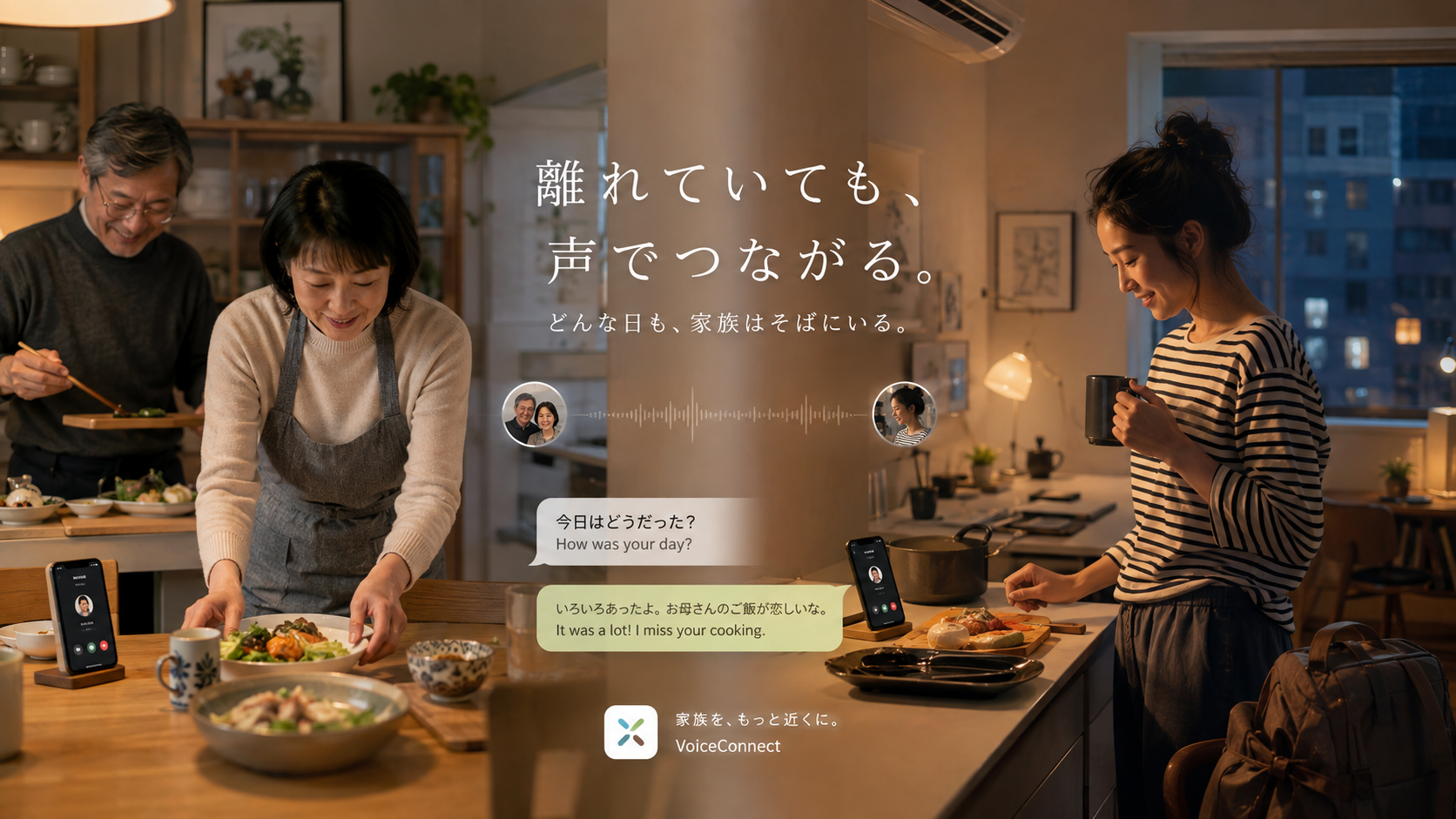
Care should not stop at time zones and language. Captions and translation, when they open, will make it easier to understand each other.
Learn it in three steps: create a family, say the call, then answer and keep going.
Invite parents, partners, and children, and set the names they can call.
Parents can say “Call my son” to start. Family members who are used to phones can still hold to talk as a backup.
Answer by tap, auto-answer for close family, or voice. If setup help is needed after you connect, use remote help only with consent.
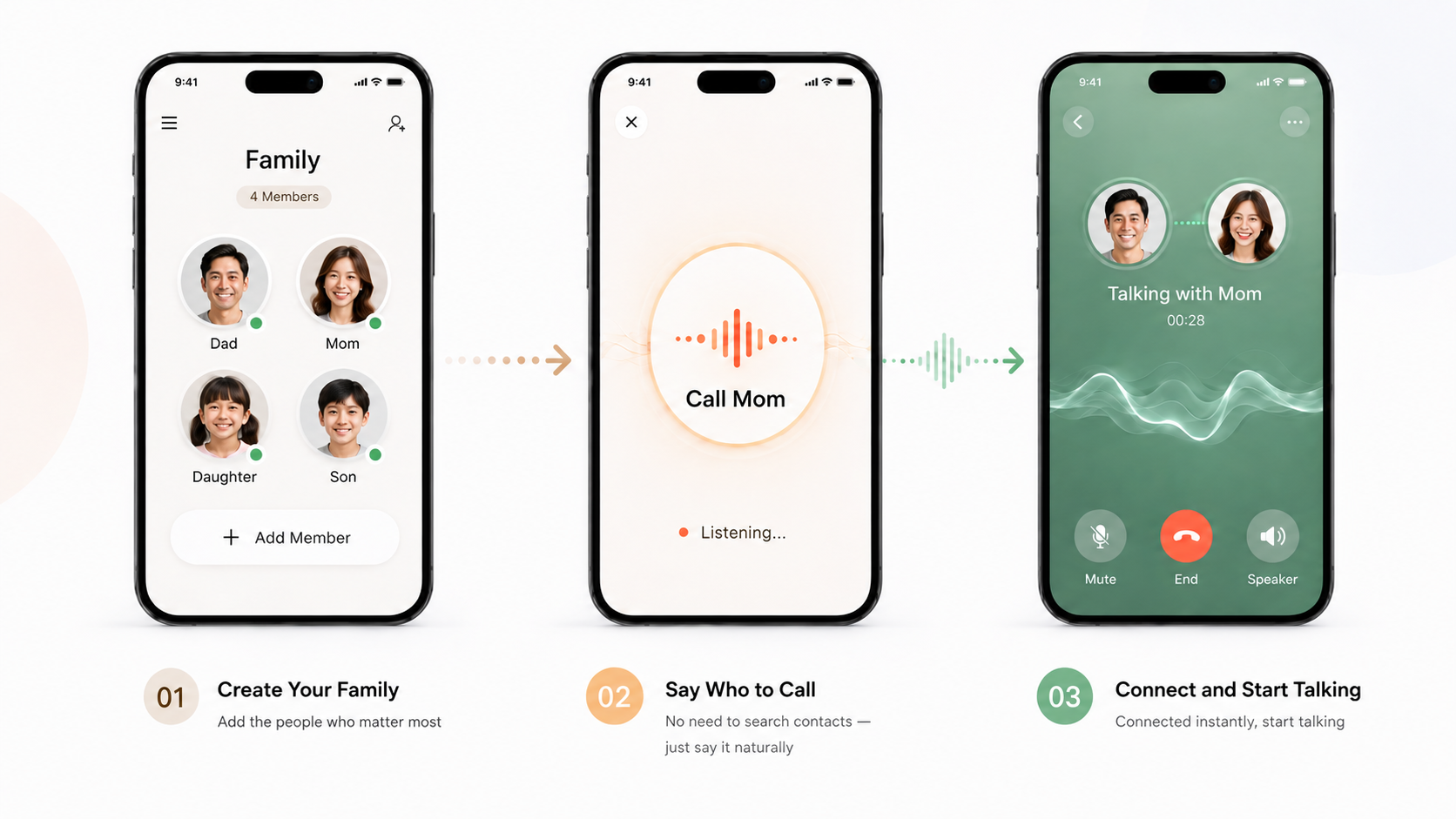
Each card shows how to use it, what you get, and whether family consent is required. Voice calling is the main path for parents; hold-to-talk is backup.
Available to test now: Android, Windows, and Linux packages, plus Web (app.italkgo.com). iOS and macOS are preparing. Home terminals and smart devices are optional extras.
Understands phrases such as “Call my son” and “Call my daughter,” then starts a family call.
After a ring, answer with voice and tap less.
Reduce noise and echo so the call is easier to follow.
After a doorbell, door sensor, or watch alert, you can still call and check in.
Location, recording, remote viewing, and anomaly alerts are off by default. They work only after explicit consent, and you can pause or revoke them anytime. iTalkGo is not a medical device and does not replace local emergency services.
PrivacyFamily members can see who connected what and what is shared
Pause, revoke consent, and delete necessary data at any time
No covert tracking; care is not designed as monitoring
Major privacy changes will be explained publicly on the site
Updated 2026-07-16
Basic DMs, notifications, and the official download page.
Voice-call family, manual and auto answer, remote help, family talk, and multi-device use.
Answer by voice, family album, anomaly reminders, captions, and translation.
Fuller encryption, plus team and institutional versions.
Chat apps are better at messages and dialing. iTalkGo puts one-sentence family calling first, with tap, auto, and voice ways to answer.
No. The main path is a voice call, such as “Call my son.” Hold-to-talk is a backup for family members who already use phones.
Three ways today: tap to answer, auto-answer for close family (explicit consent required), and answer by voice. The last two will mature with the roadmap.
No. It is an app first. A home terminal is an optional extra for elders, children, or a fixed place who rarely use a phone.
On Android, background notifications and calls depend on system settings and OEM permissions; devices can differ. iOS capabilities are still preparing.
Basic family voice and messages: basic account, family talk, basic voice, basic DMs, and notifications.
Higher-quality speech recognition, long captions, multilingual translation, and a stronger assistant may become optional paid features. Formal prices will be published in advance.
No. Auto-answer for close family needs explicit consent and can be turned off. Location, remote viewing, and anomaly alerts also require explicit consent.
No. iTalkGo is not a medical device and is not a substitute for local emergency services.
Support matrix: phone/tablet (Android, iOS, Web); Intel desktop (Windows, macOS, Linux, Web); Arm platform (Linux, Android, Web). Ready to test now: Android, Windows, Linux, and Web (https://app.italkgo.com/). iOS and macOS are preparing.
Open the download page and pick an available platform, or go to the Web app at https://app.italkgo.com/. After install or sign-in, follow the prompts to create a family and start.